

Why Hardware Matters for DCS Dedicated Servers
24. May 2026
DCS Server Hosting Guide
DCS Server Performance: How to Choose the Right Server for Your Squadron
Choosing the right DCS server is not only about CPU, RAM or the number of player slots. The real performance of a multiplayer mission depends on mission design, hardware, AI activity, scripts, mods, map choice, server location and the number of connected pilots.
Many DCS squadrons start with one simple question: “How many players can this server handle?” It is an important question, but it is not the full picture. A lightweight mission with 30 pilots can sometimes run more smoothly than a complex mission with 10 pilots, hundreds of AI units, multiple scripts and heavy trigger logic.
This guide explains the main factors that affect DCS multiplayer server performance. It will help you understand what kind of server your squadron needs before you spend money on the wrong setup or start troubleshooting lag during an event night.
If you are already comparing hosting options, you can also review our DCS server hosting options and contact us with your mission details for a practical recommendation.
1. Player Count Is Only One Part of the Story
Player count matters because every connected pilot adds network traffic, aircraft state updates, weapon events and synchronization work. However, player count alone does not define the performance requirement of a DCS server.
A clean PvP training mission with 20 to 30 players, limited AI and simple objectives may run very well. On the other hand, a PvE mission with fewer players can still become heavy if it includes large numbers of AI aircraft, ground units, air defense systems, triggers and background scripts.
Important point
Do not choose a DCS server only by looking at player slots. Always consider the mission type, AI load, scripting complexity, server hardware and the location of your players.
2. Server Hardware Still Matters
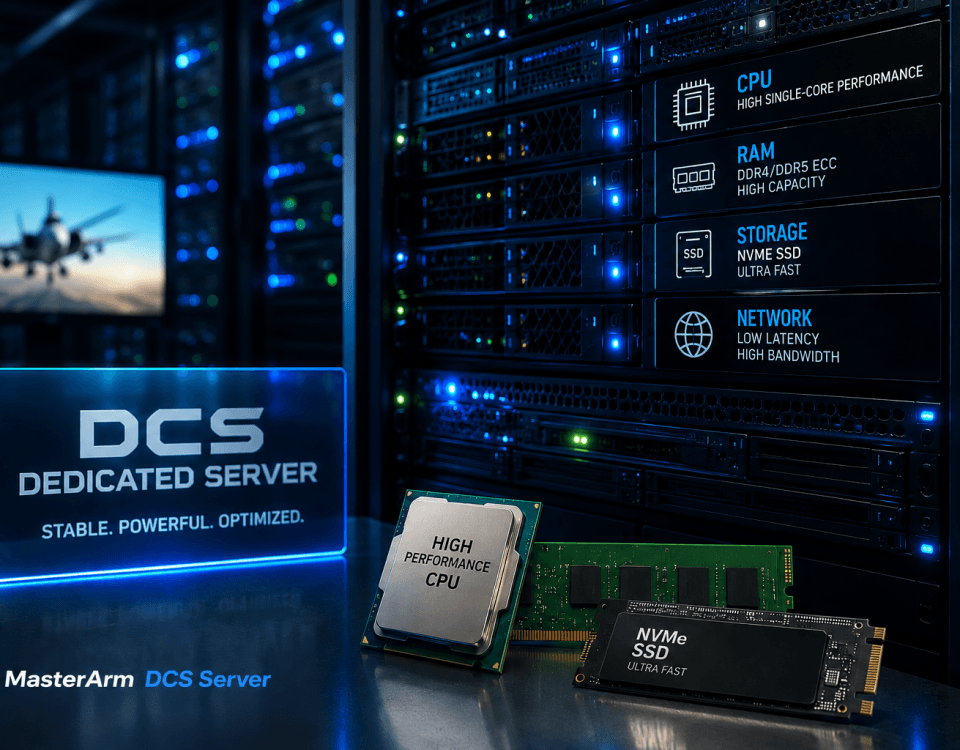
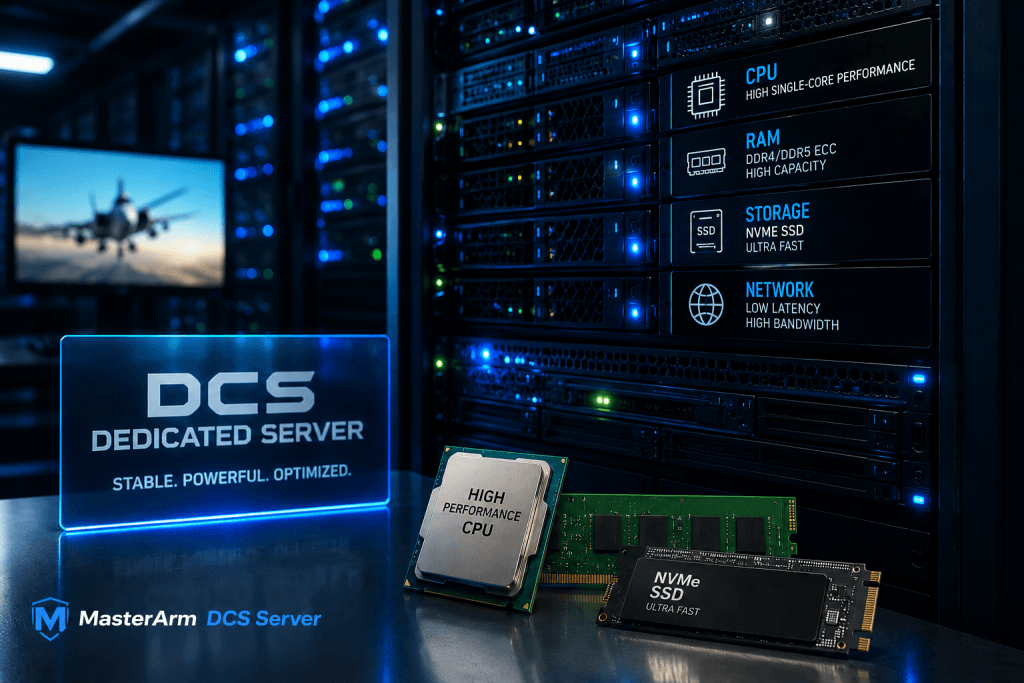
Mission design is one of the biggest factors in DCS multiplayer performance, but server hardware is still the foundation. CPU performance, memory, storage speed and network quality all affect how stable and responsive your DCS server feels during training nights, public missions and squadron events.
The important point is that hardware and mission design must match each other. A powerful server can still struggle with an extremely heavy mission, while a well-optimized mission can run smoothly on a more reasonable setup. This is why it is important to look at both sides: the technical server resources and the complexity of the mission itself.
If you want to understand the hardware side in more detail, read our related guide: DCS Server Hardware Requirements .
3. AI Units, SAM Sites and Ground Activity
AI units are one of the most important performance factors in many DCS multiplayer missions. Every active AI aircraft, ground unit, ship, convoy or air defense system needs simulation logic. The more units are active at the same time, the more work the server has to process.
Ground units can be especially heavy when they move, search for targets, engage enemies or interact with triggers. Air defense networks can also increase complexity because radar behavior, detection, missile launches and engagement logic all need to be calculated during the mission.
Common AI-related performance factors
- Large numbers of active ground units
- Moving convoys and pathfinding
- Multiple SAM sites and radar systems
- AI CAP, CAS, SEAD or bomber flights
- AI units spawning dynamically during the mission
- AI units that remain active even when no player is nearby
A good mission design does not necessarily remove AI. Instead, it activates AI only when needed, limits unnecessary background activity and avoids keeping hundreds of units active at the same time.
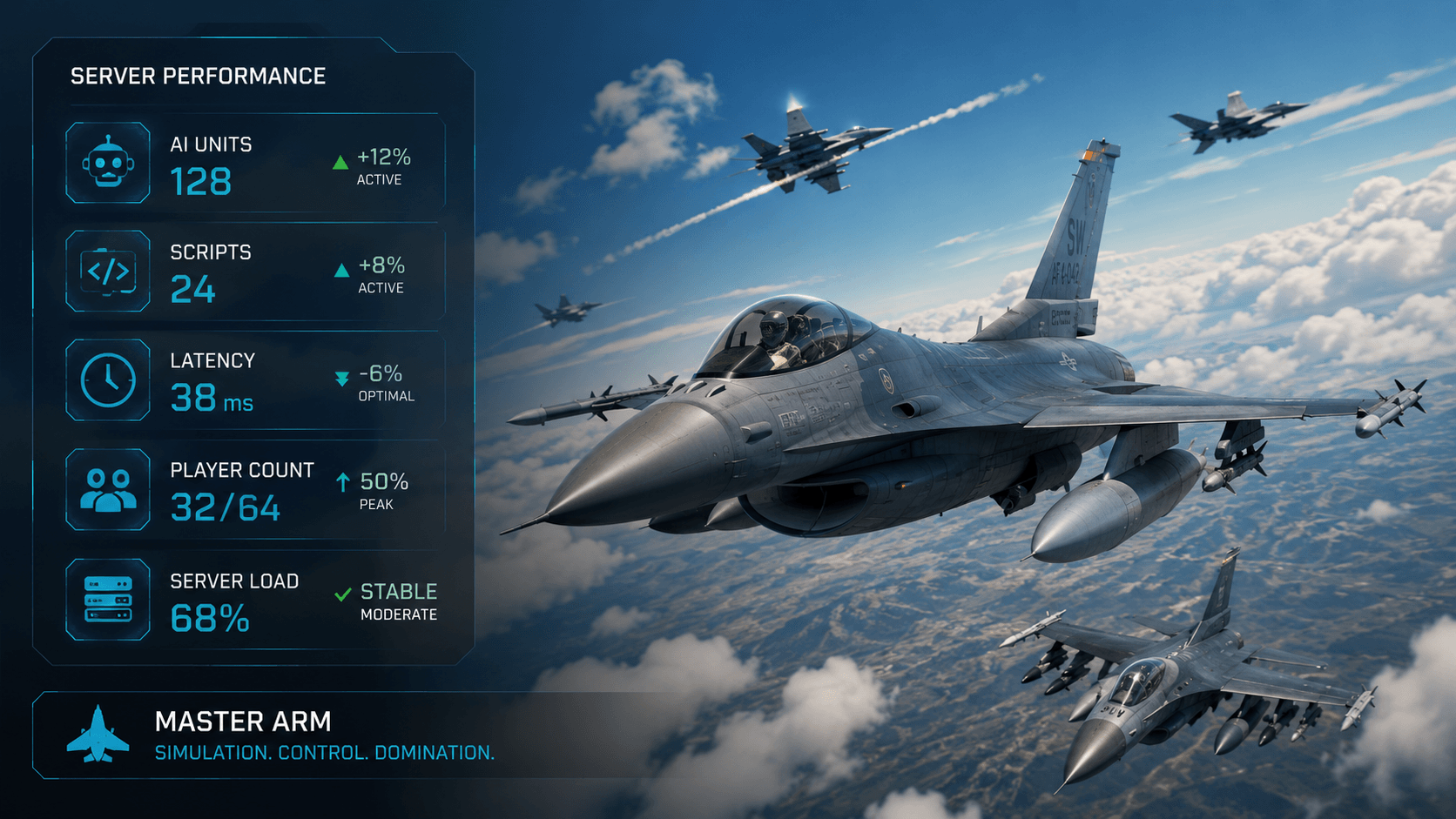
4. Scripts, Triggers and Dynamic Missions
Scripts can make a DCS mission much more immersive. They can add dynamic objectives, automatic spawning, logistics, persistent campaign behavior, scoring systems, rescue missions, air defense logic and more.
However, scripts also add processing overhead. A well-optimized script can improve the mission experience without causing problems, while an inefficient script can create stutters, delays or server instability. This is especially important for long-running public missions and persistent campaign environments.
Examples of script-heavy mission features
- Dynamic spawning of aircraft or ground units
- Persistent battlefield state
- Automated logistics and transport systems
- Complex scoring and event tracking
- Repeated trigger checks running throughout the mission
- Large-scale frameworks such as MOOSE, MIST or custom mission logic
Scripts are not bad. In many cases, they are the reason a mission feels alive. The key is to test them properly and understand how much load they add before running a public event or a large squadron operation.
5. PvP, PvE and Dynamic Campaign Missions
Different mission types have different server requirements. A server that works perfectly for a simple PvP dogfight mission may not be enough for a large PvE campaign with AI packages, air defense networks, ground targets and scripted objectives.
PvP Missions
PvP missions are often lighter if they use limited AI and simple objectives. Most of the activity comes from real players, aircraft state updates and weapons employment.
PvE Missions
PvE missions are usually heavier because they often include AI aircraft, ground targets, SAM sites, triggers, scripted events and mission progression logic.
Dynamic Campaigns
Dynamic or persistent campaigns are usually the most demanding because the mission world changes over time and often relies on scripts, saved state, spawning systems and long mission runtimes.
Before choosing a server, define what your squadron actually flies most often. A private training group, a PvP community and a persistent PvE campaign may all need very different setups.
6. Maps, Mods and Mission Loading
Maps and mods can also affect the multiplayer experience. Some missions rely on large maps, high object density, custom assets or several community mods. These elements may increase loading time, create compatibility problems or make troubleshooting more difficult.
Mods can be useful and many communities depend on them. Still, every additional mod should be treated as another variable. If a mission crashes, loads slowly or behaves differently after an update, mods are one of the first areas to check.
Best practices for mod-heavy DCS servers
- Keep a clear list of required mods for your pilots
- Avoid unnecessary mods that are not used in the mission
- Test the mission after DCS updates and mod updates
- Keep a clean backup of stable mission versions
- Use consistent file versions across mission creators and admins
If your squadron often flies large missions with mods, it is worth documenting exactly which map, aircraft, asset packs and scripts are required. This makes support and performance analysis much easier.
7. Server Location and Latency
Server hardware is only one side of the multiplayer experience. Network latency is just as important. If most of your pilots are based in Europe, a European server location is usually the most practical choice. If your squadron is spread across Europe, North America and Asia, you may need to choose the location that gives the best average experience for the majority of active pilots.
High latency can make formation flying, air-to-air refueling, PvP engagements and carrier operations feel less stable. Even if the server itself has enough resources, poor routing or a distant location can still create a bad multiplayer experience.
8. Checklist Before Choosing a DCS Server
Before ordering or upgrading a DCS server, prepare a short summary of your mission requirements. This helps you choose the right setup and avoid paying for resources you do not need.
9. Practical Recommendation
The right DCS server is not simply the server with the highest advertised player count. The best choice depends on how your mission is built, how many AI units are active, how much scripting is running, what hardware resources are available, where your pilots are located and how long your missions need to run.
If your squadron mostly flies simple training missions, you may not need a large setup. If you run complex PvE operations, persistent campaigns or public missions with many scripts, choosing a stronger server from the beginning can save time, reduce frustration and avoid unnecessary troubleshooting during events.
Need Help Choosing a DCS Server?
Send us your mission type, expected player count, main player region and whether you use AI, scripts, mods, SRS or Tacview. MasterArm will help you choose a server setup that fits your squadron.
Contact MasterArmFrequently Asked Questions
What affects DCS server performance the most?
The biggest factors are mission complexity, active AI units, scripts, triggers, player count, server hardware, mods, map choice and network latency. Hardware matters, but mission design often has a major impact.
Is player count the most important factor for a DCS server?
Player count is important, but it is not the only factor. A mission with fewer players but many AI units, scripts and triggers can be heavier than a simple mission with more connected pilots.
Does hardware matter for DCS server performance?
Yes. CPU performance, memory, storage speed and network quality all matter for DCS server performance. However, hardware alone is not enough. Mission complexity, AI units, scripts, mods and player count also have a major impact on multiplayer stability.
Are PvE missions heavier than PvP missions in DCS?
PvE missions are often heavier because they usually include AI aircraft, ground targets, SAM systems, triggers and scripted mission logic. PvP missions can be lighter if they use fewer AI assets.
Do mods affect DCS multiplayer server stability?
Mods can affect loading, compatibility and stability. Many servers use mods successfully, but every additional mod should be tested after DCS updates and mission changes.
How should I choose the right DCS server location?
Choose a server location close to the majority of your active pilots. For European squadrons, a European server location usually helps reduce latency and improve the multiplayer experience.